 Brink
BrinkPress kit
Everything you need to write about Brink. For anything else, email stepa15.b@gmail.com.
Name usage
Do
- Write Brink, capital B, lowercase rest.
- Say “Works with Notion” in plain text, secondary to the Brink name.
- Include the non-affiliation line below wherever Brink is described.
Don’t
- “BRINK”, “brink app” or “Brink for Notion”.
- Put “Notion” in the product name, logo, domain or social handles.
- Combine the icon with the Notion logo or imply endorsement.
Brink is an independent app and is not affiliated with, endorsed by, or sponsored by Notion Labs, Inc.
Taglines
- Primary: Your pages, on the edge.
- One hover from done.
- Notion tasks without opening Notion.
- Check it off. Stay in flow.
Short description
Brink is a black notch on your Mac’s screen edge that keeps your Notion pages and tasks one hover away.
Long description
Brink is a native macOS app that turns the edge of your screen into a fast lane to your Notion workspace. A quiet black pill rests on the edge; hover to unfold a strip of your pinned pages, click to open a Notion-style panel where you can check off tasks, edit text and add items. A global hotkey (⌥⇧Space) captures tasks from any app with natural dates in English and Czech. Brink also offers badges, a menu-bar mini-list, a desktop widget and a share extension. It works with Notion through the public Notion API. Your data stays between your Mac and Notion, with no tracking. Requires macOS 14 or later and a Notion internal integration.
Icon
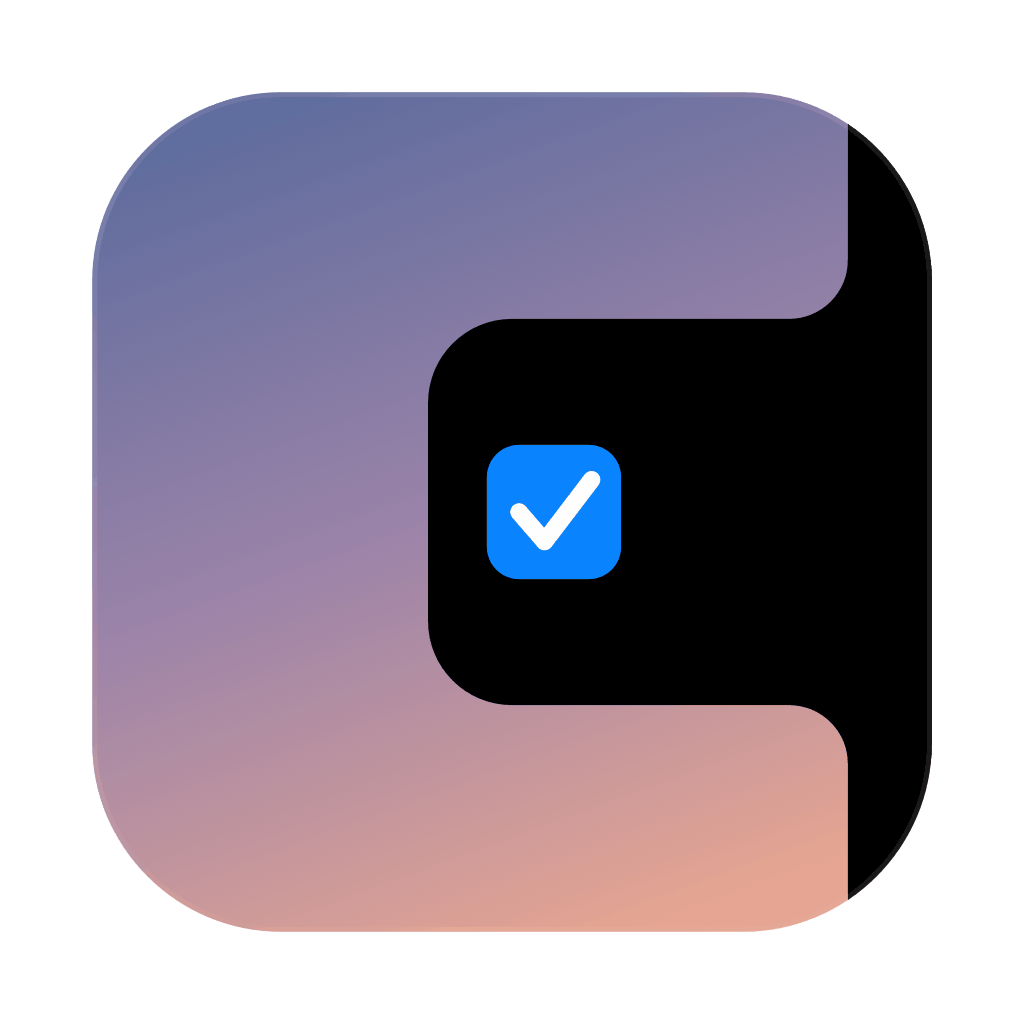 PNG 1024
 PNG 512
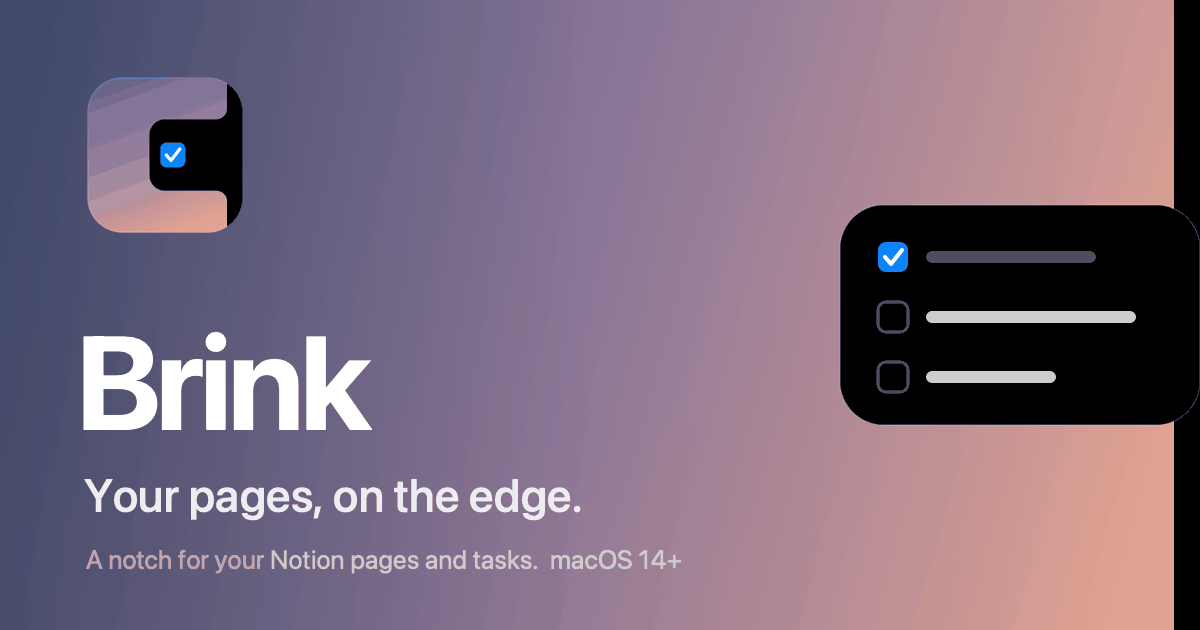 Social card 1200×630
Colors
Type: the system font (SF Pro).
Facts
- Name
- Brink
- Category
- Productivity
- Platform
- macOS 14 or later
- Version
- 0.9.0
- Maker
- Stepan Blaha
- Requires
- A Notion internal integration
- Languages
- English; natural dates in English and Czech
- Privacy
- No analytics, no tracking, nothing stored on a server. See the privacy policy.
- Price
- Free